
Create screencasts
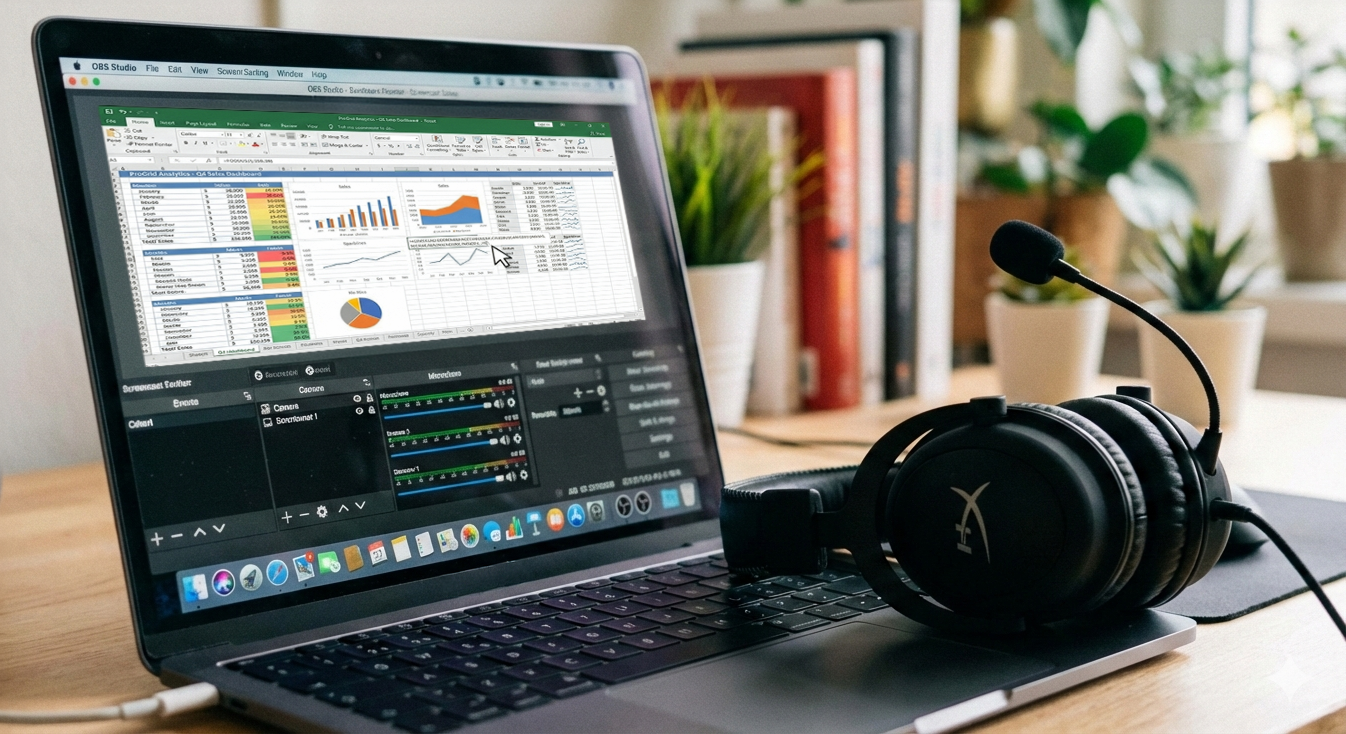
Screencasts are screen recordings in which, for example, slides, websites or software including audio commentary are recorded as a short video so that processes become visible and comprehensible step by step. In teaching, they are particularly suitable for explanatory videos on software or theories, for short preparatory or follow-up inputs (e.g. in the flipped classroom) and enable students to learn at their own pace, regardless of time and place, because they can pause and repeat the videos at any time.
Screen recording
Open Broadcast Studio OBS (open source, Windows, MacOS, Linux)
- Download and function overview: https://obsproject.com/
- Video tutorial: "Presentation setup for online events with OBS (Open Broadcaster Software)", Multimediakontor Hamburg, 20.11.2024, approx. 60 minutes
ActivePresenter (limited trial version, Windows, MacOS)
Screen recording with Camtasia (commercial, Windows, MacOS)
- Info sheet from IDLL (PDF)
- Instructions: Tutorial - Screencasts with Camtasia, students MTB16
- Techsmith Camtasia website
- Video tutorials on Camtasia (Techsmith website)
You can obtain Camtasia licences from your faculty's IT representative or directly from the ITSZ management.
Screen recording with Snagit (commercial, Windows, MacOS)
- Simple recording of screen activities with camera overlay
- Website Techsmith SnagIt
- Video tutorials (Techsmith website)
Screen recording with Microsoft Powerpoint
Screen recording with the Xbox
Screen recording on iPad and iPhone
For iOS26 or newer and iPadOS:
Screen recording on macOS Tahoe 26 or with the Quicktime player
Screen recording with Simplescreenrecorder (Linux)
Video editing for post-production
OpenShot (Open Source, Windows, MacOS, Linux)
Our tip! Actually self-explanatory.
- Download from the OpenShot manufacturer website
- OpenShot instructions and user manual
- Guide to OpenShot (PC Magazine)
Shotcut (Open Source, Windows, MacOS, Linux)
Converting videos
Handbrake (Open Source, Windows, MacOS, Linux)
- Download Handbrake from Handbrake manufacturer website (Open Source Video Transcoder for Win, Mac and Linux)
